

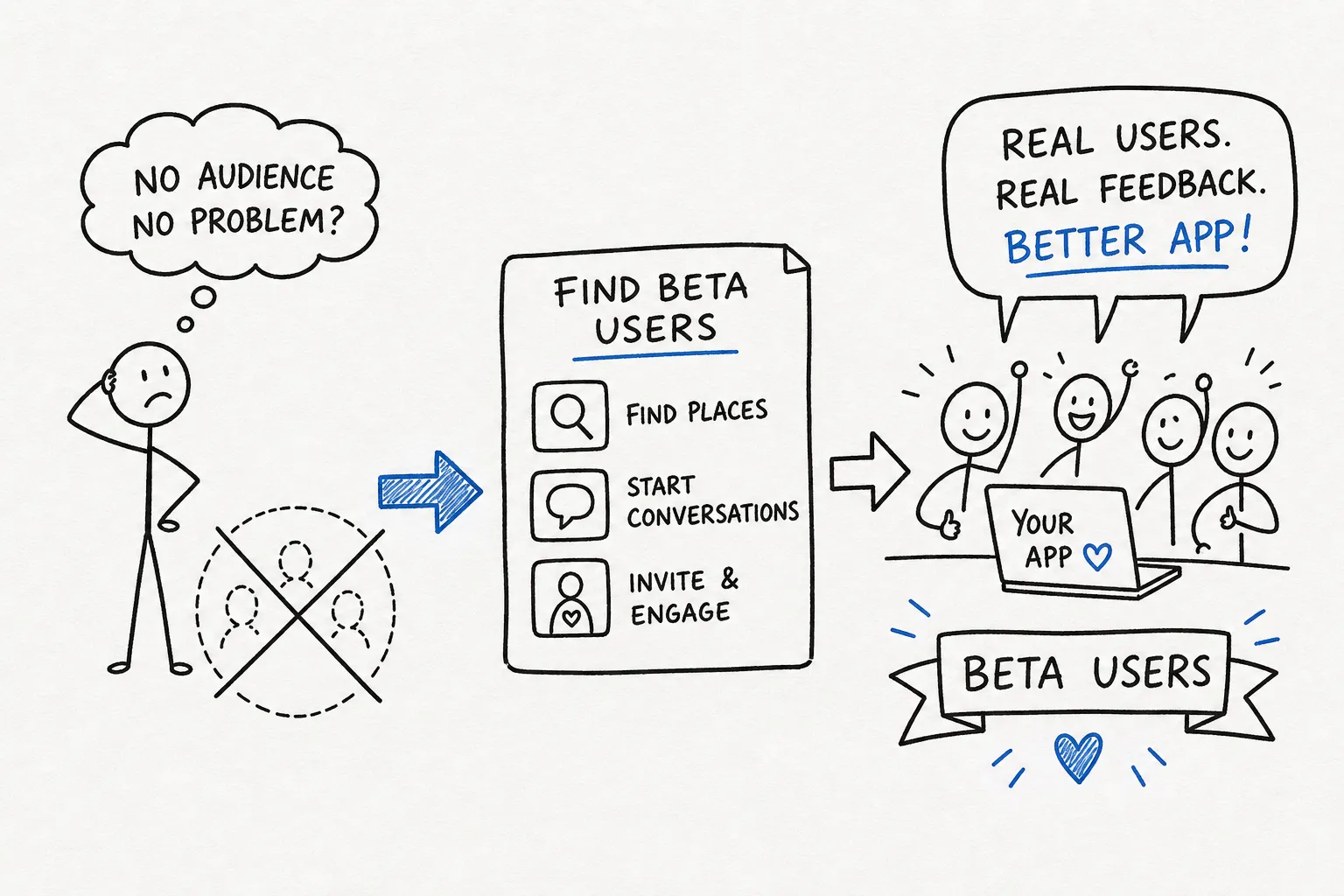
You’ve tested your app so many times that every button feels obvious. Then someone else opens it—and gets stuck somewhere you never thought to look.
That is why beta users matter. They bring fresh eyes, different habits, and questions your own testing can miss. You don’t need hundreds of signups to begin. Start with a handful of people who encounter the problem your app is meant to solve.
TryMyBuild gives your project and its feedback a place to live. Pair that with thoughtful outreach, a small testing task, and a willingness to listen.
Your first testers may already know you.
Think about past clients, colleagues, waitlist subscribers, or friends who experience the problem you’re tackling. Relevance matters more than the size of your contact list.
Ask for one concrete action: create a meal plan, save an expense, or finish the first lesson. Explain any signup, installation, or payment requirements before they agree. Include a time estimate only after you’ve tried the task yourself.
“I’m building an app for freelance designers to organize expenses. Would you try adding one expense and tell me where anything feels unclear? Here’s my TryMyBuild project page so we can keep the feedback together.”
Find conversations, then join them.
A meal-planning app needs people who plan meals. A tool for freelancers needs people doing freelance work. Look for communities where those people already describe the problem, rather than choosing a group only because it is large.
On Reddit, start by searching a relevant community for “feedback,” “testers,” or the problem your app solves. Read the full post and the community rules. Use designated feedback threads when required, and contribute something specific before making an invitation.
If a maker is asking for feedback, try their app and describe what happened. If you invite them to TryMyBuild afterward, explain that you built the site and make the invitation optional.
“I tried your setup flow and got stuck at the camera permission step. Happy to share more. If you’d like, add your app to TryMyBuild, a site I’m building for feedback exchange, so we have one place to follow up.”
Give your build—and its feedback—a home.
A link in a busy thread can get buried. A TryMyBuild project page gives you a destination to share when someone wants to try your app, learn what it does, and continue the feedback conversation.
Add a clear description, a working app link, and helpful screenshots or a demo. Explain who the app is for and what you want tested. Share that page with relevant people rather than waiting for discovery alone.
You can also explore other builds and offer useful feedback. Helping another maker is a practical way to understand what good feedback looks like and start a conversation.
The TryMyBuild feedback loop. A listing creates a place to start; participation makes it useful.
Publishing a project doesn’t guarantee testers or customers. The strongest starting point is a clear page plus personal invitations to people who fit your app.
Show the work, not just the launch.
Share a screenshot, a short demo, or a confusing moment you fixed. Explain the problem behind the feature and ask a focused question. A post about what you are learning gives people something meaningful to respond to.
Choose a channel where your intended users participate. Try builder conversations on X or professional communities on LinkedIn when they fit your audience. Link to your TryMyBuild page so interested people have a clear next step.
“I moved Save next to the title after a tester couldn’t find it. Does this version make the next step clearer?”
Find testers who actually have the problem.
Someone saying “cool app” is encouraging. Someone explaining how they handled the same problem yesterday can teach you more about whether your app fits their workflow.
Keep your questions lightweight: When did you last encounter this problem? What do you use today? What is frustrating about that approach? Then ask them to try a realistic task using sample or non-sensitive data.
Separate general usability feedback from specialist judgments. A fellow maker can notice a confusing button without being qualified to assess medical advice, financial accuracy, or every technical claim.
Create a plan and save it.
A Save button beside the plan title.
I opened the menu, then found Save at the bottom.
Would putting Save beside the title help?
The follow-up is part of the product.
Thank the person. Ask about the moment that confused them. Decide what to investigate, and tell them what changed when you have an update.
Use your TryMyBuild conversation to keep that context together. If you improve the flow, ask whether they would like to try again. Avoid repeated reminders when someone hasn’t opted into further contact.
If you offer an incentive, state the terms clearly and reward participation rather than positive opinions. You can also begin with an honest exchange: try another maker’s project, then invite them to try yours.
Feedback helps you improve a build. Whether people return and keep using it is a separate signal worth watching.
Your next move
Start with one build.
One task. One person.
You don’t need an audience before you can learn. Give someone a clear reason to try your app—and a place to tell you what happened.
Find your people on TryMyBuild ↗Explore apps and give feedback →